🔧 Works on phones, tablets, and Android scan tools

Pro Label
Printing for
Auto Shops

Design stunning oil change stickers, service reminders, and customer contact labels. Works with your existing label printer. Setup in 10 minutes.

2min
Per Label
iOS+Android
Mobile App
from $24.99
Per Month
Cancel Anytime
No Contract
How It Works
Ready in 10 minutes,
not 10 hours

No IT department needed. No complex setup. Open the app in Chrome and start printing professional labels today.

01
🖨️
Plug In Your Printer
Works with Brother VC-500W, Brother QL series, Dymo, Zebra, and more. If you already have a label printer, you're already set.
02
🎨
Design Your Label
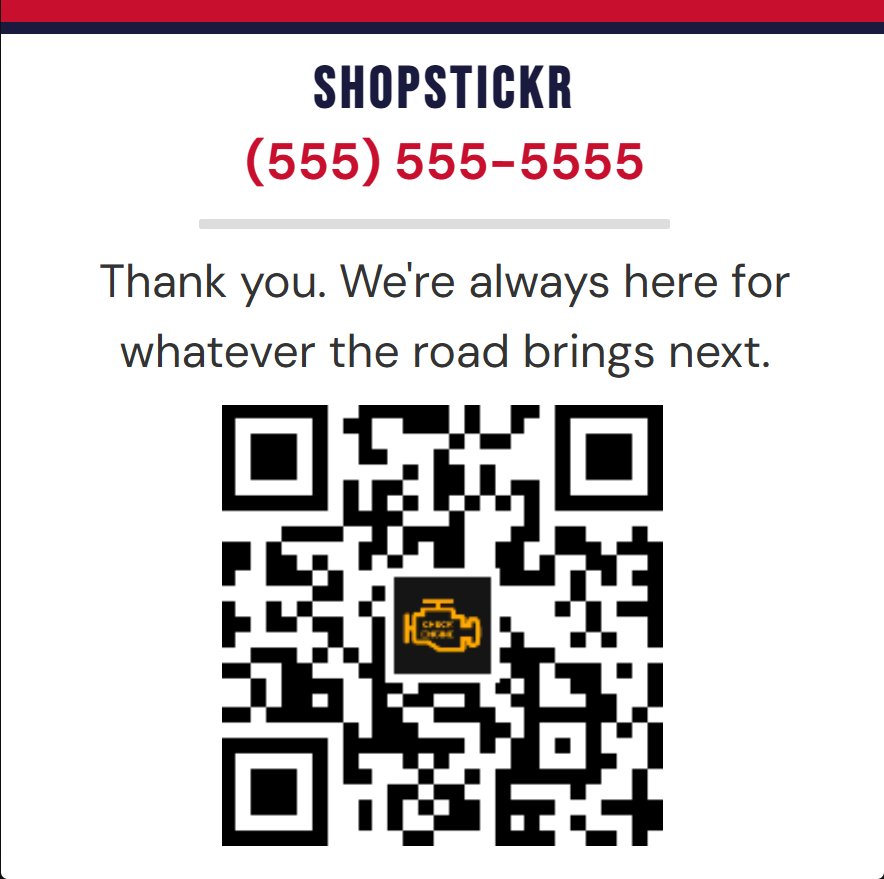
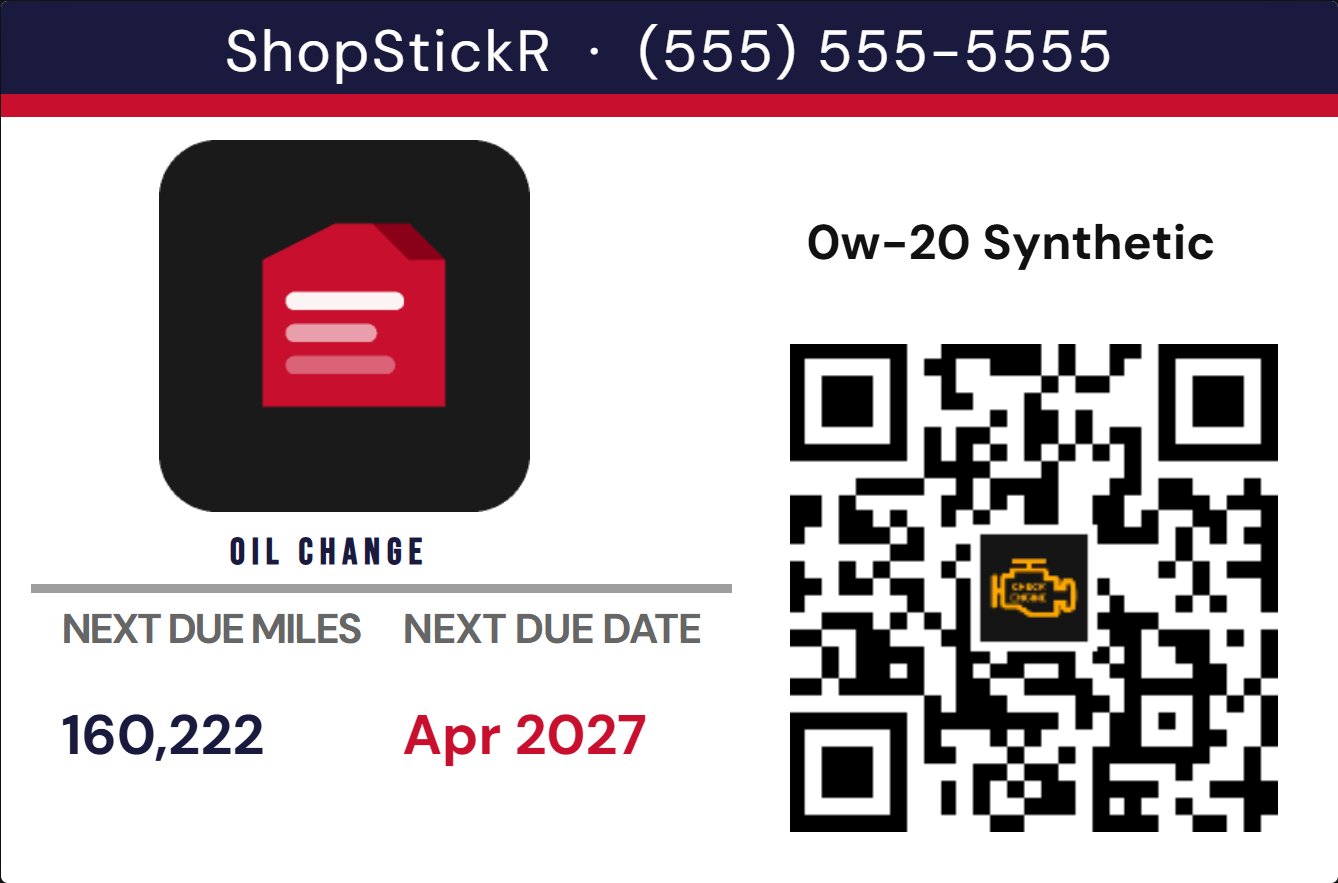
Upload your logo, add your phone number and QR code. Pick a template or build from scratch. Lock it so techs can't accidentally edit it.
03
📱
Sync to Any Device
Enter your Sync Code on any phone, tablet, or bay workstation PC. Templates update automatically. No personal devices required.
04
🚗
Tech Enters & Prints
Technician enters mileage and the date. The app calculates next service automatically. One tap to print a professional label in seconds.
Features
Everything your shop needs
🎨
Full Label Designer
Drag-and-drop designer with text, images, shapes, QR codes, and clip art. Snap alignment, layer controls, and zoom. Design it once — reuse forever.
📚
Saved Label Library
Save unlimited named label designs — Oil Change Portrait, State Inspection, Business Card. Load any design instantly from the library with one click.
📱
Any Device, Any Bay
The mobile app runs in any browser — iPhone, Android tablet, bay workstation, or the scan tool already in the tech's hand. Android scan tools like the Autel MaxiSys, Snap-on Zeus+, and MAC 9200 Elite all run Chrome and work perfectly. No app store, no install, no extra hardware needed.
☁️
Instant Cloud Sync
Push any template from PC to all mobile devices instantly. Every phone on the floor updates automatically. No USB cables, no file transfers.
🔒
Lock Mode
Lock the label design so technicians can only enter job data — they can't accidentally move or delete elements. Positions stay perfect, every time.
⚙️
Smart Job Types
Oil Change, Tire Rotation, State Inspection, Timing Belt and more. Each job type shows only the relevant fields. Next service calculates automatically.
📅
+6 / +12 / +24 Month Dates
Quick-select buttons calculate the next service date from the date of service — not today's date. Backdated and future labels always calculate correctly.
📦
Shop Profile Export
Export everything — logo, settings, job types, and all saved label designs — as a single file. Import it on any PC or mobile device to clone the entire setup instantly.
🔲
QR Code Generator
Generate QR codes for your website, Google Reviews, or any URL. Add a logo overlay. Drop it directly onto any label design.
🖥️📱🔧
Even runs on your scan tool

The ShopStickr mobile app runs in any browser — no app store, no install. Use it on a personal phone, a shop tablet, a bay workstation, or the scan tool already in the tech's hand. Modern Android-based scan tools with Chrome are fully supported.

✓ MAC Tools MAC 9200 Elite
✓ Autel MaxiSys Ultra
✓ Snap-on Zeus+
✓ Any Android scan tool with Chrome
✓ Windows-based scan tools
✓ iPad / Android tablets
Printer Compatibility
Works with the printer
you already own

Unlike competitors who lock you into their hardware, ShopStickr works with most popular label printers right out of the box.

Brother VC-500W
Recommended · Color ZINK · WiFi
Brother QL Series
QL-800, QL-820NWB, QL-1110
Dymo LabelWriter
450, 4XL, Wireless
Zebra Printers
ZD420, ZD621, ZD230
Rollo Label Printer
USB & WiFi models
Any Inkjet / Laser
Sheet labels · Custom sizes

The Brother VC-500W is available on Amazon for ~$80 and prints full-color ZINK labels — no ink cartridges needed.

The mobile app works on any device with Chrome or Safari — including Android-based scan tools like the Autel MaxiSys, Snap-on Zeus+, and MAC 9200 Elite.

Pricing
Simple, honest pricing

No setup fees. No hardware bundles. No contracts. Start free for 14 days.

Basic
$24.99/mo
PC label designer for single-location shops
  • Full PC Label Designer app
  • Unlimited label designs
  • Saved Labels library
  • All job types & templates
  • QR code generator
  • Shop profile export & import
  • Email support
  • Mobile app
  • Cloud sync to phones
  • Sync codes
Start Free Trial
14 days free · No credit card required
Fleet
$39.99/mo
High-volume shops & busy service centers
  • Everything in Pro
  • 5 sync codes included
  • Each code covers a phone, tablet, or workstation
  • Add 5 more codes for $4.99/mo
  • Unlimited mobile devices per code
  • Early access to new features
  • Business card templates (coming soon)
  • Kiosk & tech mode (coming soon)
Start Free Trial
14 days free · One subscription per location

Annual plans save 2 months · Additional sync code packs $4.99/mo · hello@shopstickr.com

📍 Fair Use Policy

Each subscription covers one physical business location. Multi-location businesses — including chains, franchises, and dealerships — require a separate subscription per address. This keeps pricing fair for the independent shops ShopStickr was built for.

How We Compare
70% less than the competition
ShopStickr Pro ($29.99/mo) Competitor A
Monthly costfrom $24.99$79.95
Setup / hardware fee$0$495
Works with existing printer
Full label designer❌ Fixed templates
iOS + Android mobile app
Cancel anytimeContract required
FAQ
Common questions
Do I need to buy a new printer?
No — ShopStickr works with most popular label printers you may already own. If you need a recommendation, the Brother VC-500W prints full-color ZINK labels (no ink cartridges) and is available on Amazon for around $80.
How does the mobile app work?
The mobile app opens in any browser — Safari, Chrome, Edge — on iPhones, Android phones, tablets, and regular workstation PCs. No app store, no installation. Techs who prefer not to use a personal device can use a shop tablet or bay computer. Templates sync automatically from the PC designer.
What is a Sync Code?
Your Sync Code is a unique 8-character code assigned to your shop when you subscribe. Enter it on both the PC app and mobile app to connect them. All your template pushes go through your code — no one else sees your data.
Can I use it on multiple computers?
Yes — your subscription includes the app file which you can run on any PC in your shop. Use your Shop Profile export to instantly clone your setup to a new machine.
What happens if I cancel?
Your Sync Code deactivates and cloud sync stops working. The PC designer app continues to work offline for label design — you just lose the mobile sync and cloud features. No data is deleted for 30 days in case you resubscribe.
What if my techs don't want to use their personal phones?
No problem at all. The mobile app works on any device with a browser. Many shops use a dedicated tablet, a bay workstation PC, or the Android scan tool already in the tech's hand. Tools like the Autel MaxiSys Ultra, Snap-on Zeus+, and MAC 9200 Elite run Chrome natively — your tech can finish a scan, open ShopStickr, print the label, and hand back the keys without touching a personal phone. No personal devices ever required.
Do you offer refunds?
Yes — if you're not satisfied within the first 30 days of a paid subscription we'll refund your first month, no questions asked. The 14-day free trial also means no risk to get started.

Start printing professional labels today

14-day free trial. No credit card required. Setup in 10 minutes.

🚀 Start Free Trial